
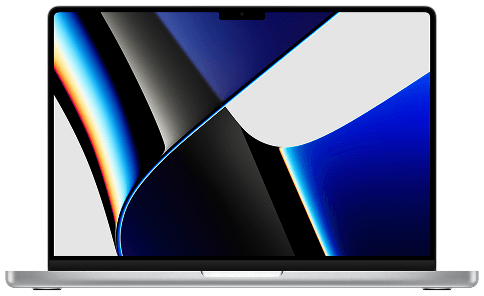
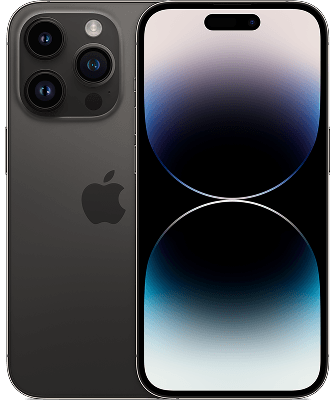
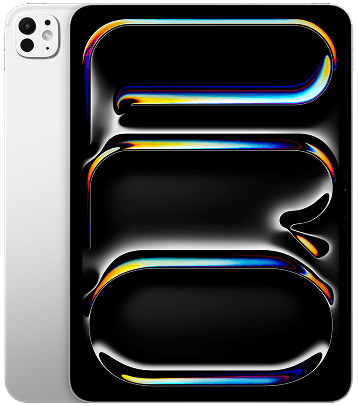

Trade in your old devices and use the value to save on certified pre-owned Apple products from iStore Pre-owned. Whether you’re upgrading your iPhone, Mac, iPad or Apple Watch our trade-in process makes it easy to get more value, for less.
Get a quick estimate using our trade-in calculator and put your device’s value toward a quality-checked pre-owned iPhone, Mac, iPad or Apple Watch backed by iStore expertise.
Select your product to get an estimate.
Values are subject to a final physical assessment.
What can you do with your trade-in value?
When you trade in your device with iStore Pre-owned, you can choose how to use your trade-in value.
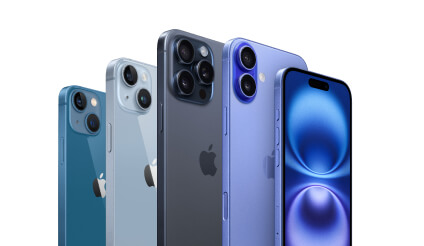
Use it towards a Pre-owned upgrade
Put your trade-in value toward a certified pre-owned iPhone, Mac, iPad or Apple Watch and reduce the cost of your next device. This is the most popular option for customers looking to upgrade for less.
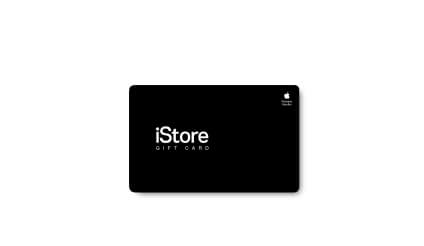
Get an iStore voucher
Prefer to decide later? Receive your trade-in value as a store voucher, which can be used on pre-owned Apple devices or accessories at a later date.
Choose Cash Back1
If you’d rather receive cash, you can opt for a cash payout once your device has been assessed and approved.
Frequently Asked Questions
You can trade in your previously loved iPhone, Mac, iPad, Apple Watch, Android phone or Windows Laptop.
The trade in value you will receive is dependant on the device, model, manufacturer, and condition. Answer a few questions accurately, and once we receive the device within the specified time frame and verify its condition, you'll most likely receive the full amount of the estimated refund.
Keep in mind that the condition of your trade-needs to match what you told us.
You can trade in up to 5 devices for every iPhone, Mac, iPad or Apple Watch purchase
Where a Trade-in Product is used to obtain cashback in conjunction with the purchase of a new iPhone, Mac, iPad or Apple Watch, the total cashback value payable in respect of such transaction shall be capped at the total purchase price of the qualifying product purchased in that same transaction.
Where multiple Trade-in products are submitted in a single transaction, the aggregate cashback amount may not materially exceed the value of the qualifying product purchased. iStore reserves the right, in its sole discretion, to limit, adjust, or refuse cashback amounts that exceed the purchase value.
Trade-in values exceeding the purchase price may, at iStore’s discretion, be issued as an iStore Gift Card instead of cashback.
Where multiple Trade-in products are submitted in a single transaction, the aggregate cashback amount may not materially exceed the value of the qualifying product purchased. iStore reserves the right, in its sole discretion, to limit, adjust, or refuse cashback amounts that exceed the purchase value.
Trade-in values exceeding the purchase price may, at iStore’s discretion, be issued as an iStore Gift Card instead of cashback.
A trade in kit will automatically be added to your delivery with your iPhone purchase. You can also visit your nearest iStore and request a trade-in kit in store.
Yes, you can receive your trade in estimate online and then choose to receive a home trade in kit or a you may go in store where a Specialist will evaluate your device on the spot, so the trade-in credit you get in the store may differ from the estimated trade-in value you received online if the condition doesn't match what you described.
The final trade in value may be different to the estimated trade in value, as this is subject to a final visual-grading assessment and functional testing in-store or at our trade in centre.
A small deduction will be made if the device charging cable is not brought in with the device.
A small deduction will be made if the device charging cable is not brought in with the device.
No problem. We can put the value of your current device on a gift card that you can use anytime. Get an estimate through the trade-in tool and choose the Gift Card option.
The iStore Gift card you'll receive when you trade in your old products is valid for up to 3 years from your trade-in date.
Bring your current iPhone with you in store and we'll give you cash back after a physical inspection. You can trade in on the day or within 30 days of doing your iPhone contract.
Use your trade in value to decrease the cost of an iPhone contract. Only applicable on new contracts or upgrades.
Customers must bring an original ID Book / Card to store in as well as the product being traded in.
Customers are also encouraged to bring in the device charging cable. This is not mandatory but will impact the device trade in value if it is not included. If you want Cash Back for your trade-in, please bring a Bank Confirmation Letter not older than 3 months.
Customers are also encouraged to bring in the device charging cable. This is not mandatory but will impact the device trade in value if it is not included. If you want Cash Back for your trade-in, please bring a Bank Confirmation Letter not older than 3 months.
Get cash back into your bank account within 72 hours after trading in.
Back up your product, Turn off Find My and make sure it is fully charged before coming into store.
To turn off Find My on your Apple device:
1. Tap Settings.
2. Tap iCloud.
3. Sign in with your Apple ID, if necessary.
4. Turn off Find My.
You can book a trade in appointment to make your experience more seamless or pop into one of our stores nationwide to have your device assessed by one of our technicians.
1. Tap "Settings".
2. Tap "Face ID & Passcode".
3. Sign in with your phone password.
4. Tap "Stolen Device Protection"
5. Tap "Stolen Device Protection" to turn it off
6. Sign in wiTh your Apple ID
7. Wait an hour for it to take effect.
2. Tap "Face ID & Passcode".
3. Sign in with your phone password.
4. Tap "Stolen Device Protection"
5. Tap "Stolen Device Protection" to turn it off
6. Sign in wiTh your Apple ID
7. Wait an hour for it to take effect.
Trade in Terms and Conditions
1. Cash back applies to any iStore hardware purchase (iPhone, MacBook, iMac, iPad or Apple Watch) provided both the hardware purchase and trade-in are completed within 30 days. Simply bring your trade-in device and proof of purchase; the exchange must be like-for-like (for example, iPhone for iPhone). Cash back will be deposited directly into your bank account.
Click here for trade in terms and conditions