Master your Mac

at work

MacBook

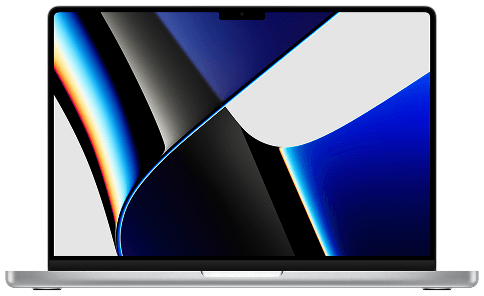
Discover the essentials of getting the most out of your Mac. From navigating macOS to mastering everyday tools and clever shortcuts, this video series guides you step-by-step so you can work smarter, faster, and with confidence.

MacBook

Lesson 01

Finding your way around MacOs

Watch now
MacBook Trackpad

Lesson 02

Using Mac trackpad and gestures

Watch now
MacBook Finder app

Lesson 03

Working in Finder to keep things organised

Watch now
MacBook

Lesson 04

Multi-Tasking Basics

Watch now
MacBook

Lesson 05

Customising your Mac

Watch now
MacBook

Lesson 06

Connecting to wireless networks and devices

Watch now
MacBook

Lesson 07

Managing the Mac Control Centre

Watch now
MacBook

Lesson 08

Finding anything with Spotlight search

Watch now
Macbook creating documents

Lesson 09

Creating and saving documents

Watch now
Manage notifications

Lesson 10

Managing notification and Focus Modes

Watch now
MacBook

Lesson 01

Hot Corners

Watch now
MacBook

Lesson 02

Quick look on Mac

Watch now
Spotlight Mac

Lesson 03

Markup on Mac

Watch now
MacBook

Lesson 04

Spotlight Clipboard

Watch now
MacBook

Lesson 05

Removing backgrounds on Mac

Watch now